Subscriptions
Country visibility for jobs
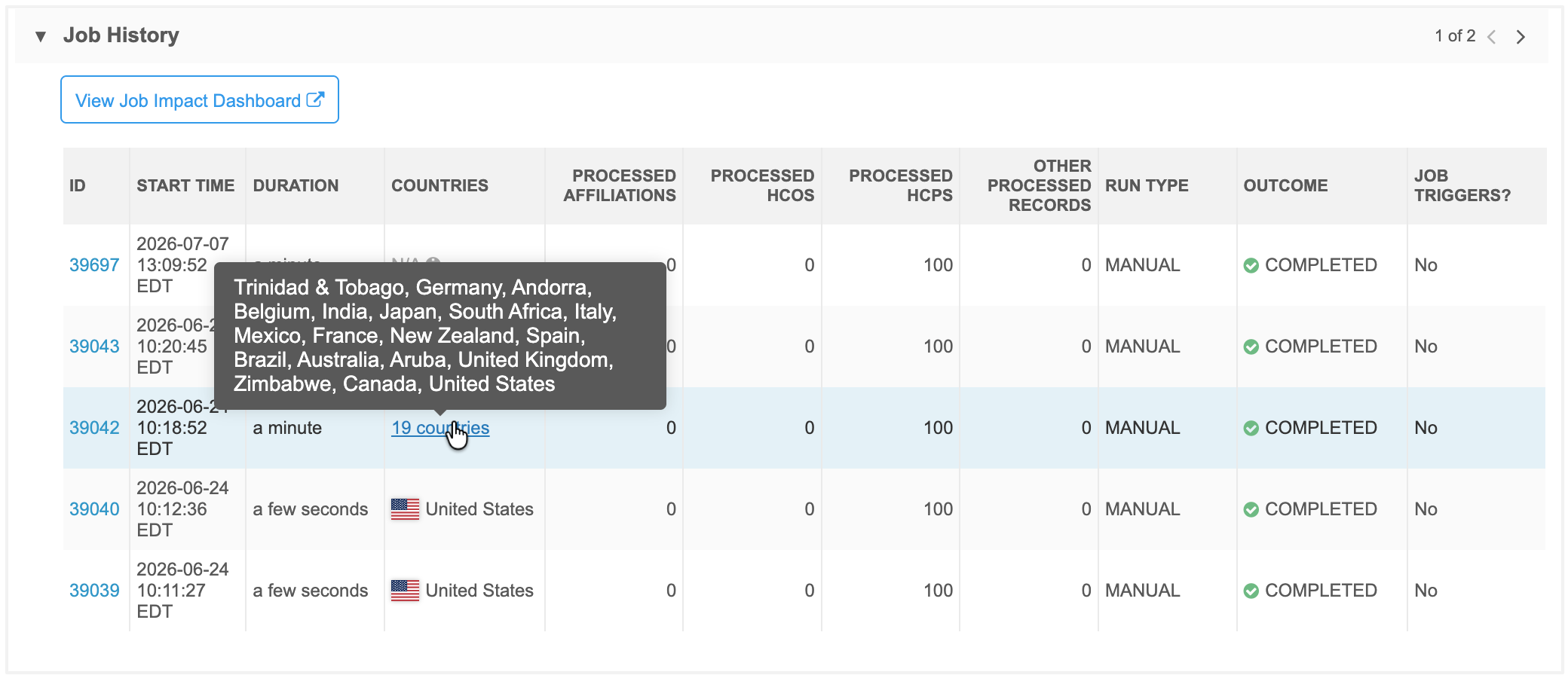
Country information is now available for the Job History and on the Job Details page so Administrators and Data Managers can instantly see which countries are impacted by each job run.
For global teams with subscriptions that trigger multiple country-specific jobs, this change simplifies monitoring, speeds up troubleshooting, and makes it easy to verify exactly where data updates and exports are being applied.
This enhancement is enabled by default in your Network MDM instance.
Supported jobs
-
Source Subscriptions
-
Target Subscriptions
-
OpenData Subscriptions
-
Data Updater
-
Network Bridge
-
All other jobs except Veeva Connector jobs
Country details
Country information displays in the Job History section and on the Job Details page. Depending on the job type, these are the countries where records were loaded or exported by the job.
-
Job History - A Countries column is added to this section on subscription configurations.
-
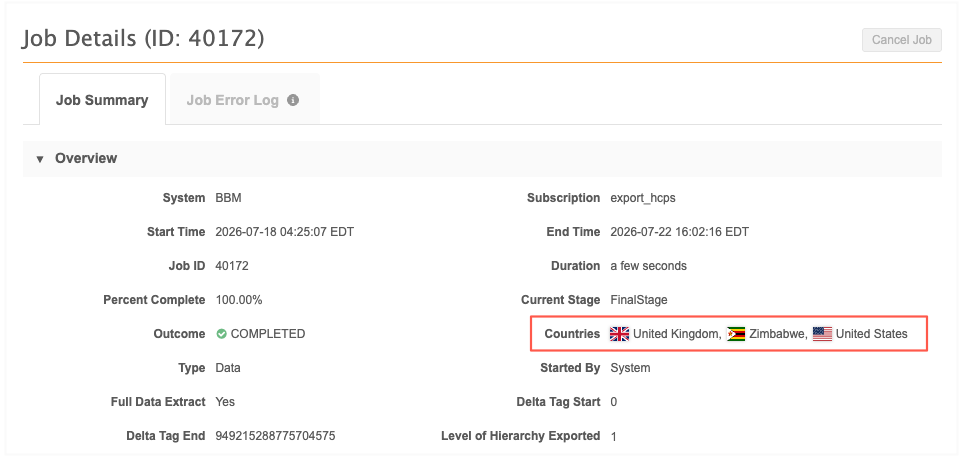
Job Details - A Countries field is added to the Overview section.
Country details
The country is defined by the primary country__v field on the record.
Display
-
Five countries or less - The country name and flag displays If there are more than five countries, a count displays.
-
More than five countries - A count of countries displays as a link. Click the link to open a pop-up that contains the list of countries.
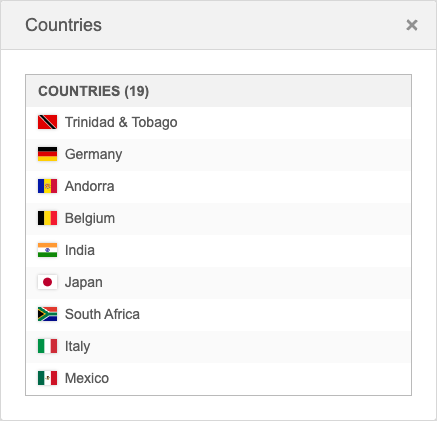
You can also hover over the count to see the list of countries.
-
No countries - N/A displays for jobs that ran before this release. Previous jobs are not back-filled with country information.
N/A also displays for source subscription jobs that ended before the merge stage of the job.