General
Maps
Maps across all Network MDM features have been updated with subtle design refreshes and changes for geocoded addresses.
These enhancements are enabled by default.
Maps are available in the following features:
-
Network Search
-
Profile page
-
Network Explorer
-
Admin Homepage
Users will notice the following changes:
-
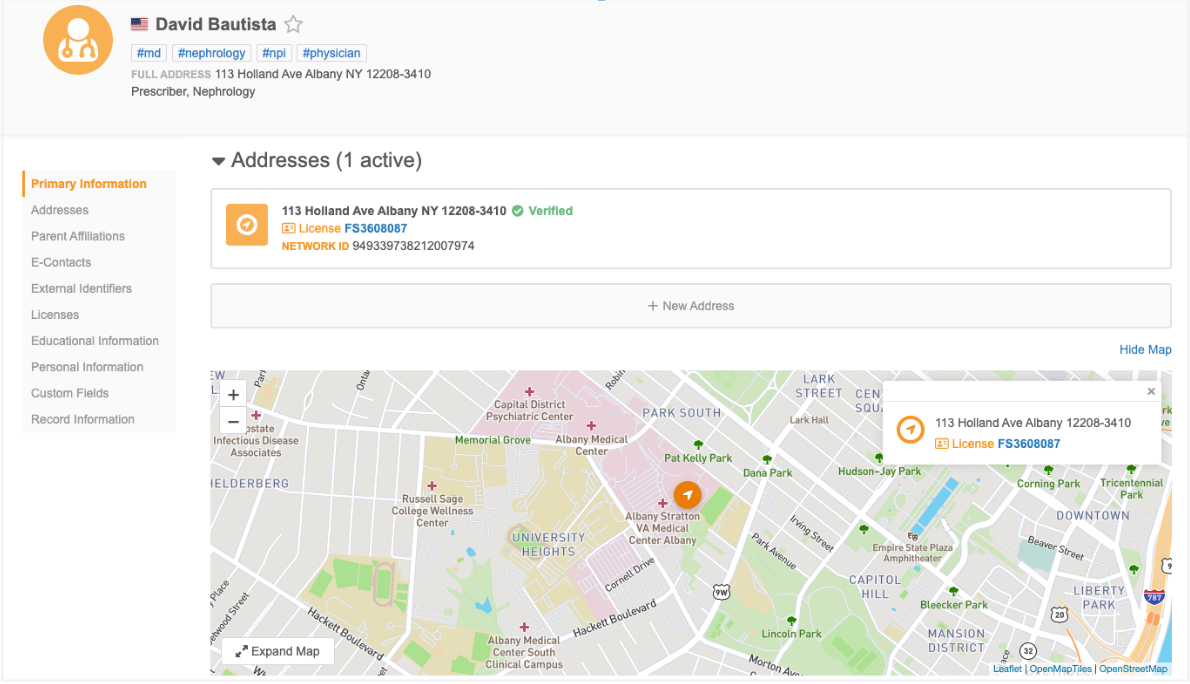
Style - Minor changes in visual styling to the map interface.
-
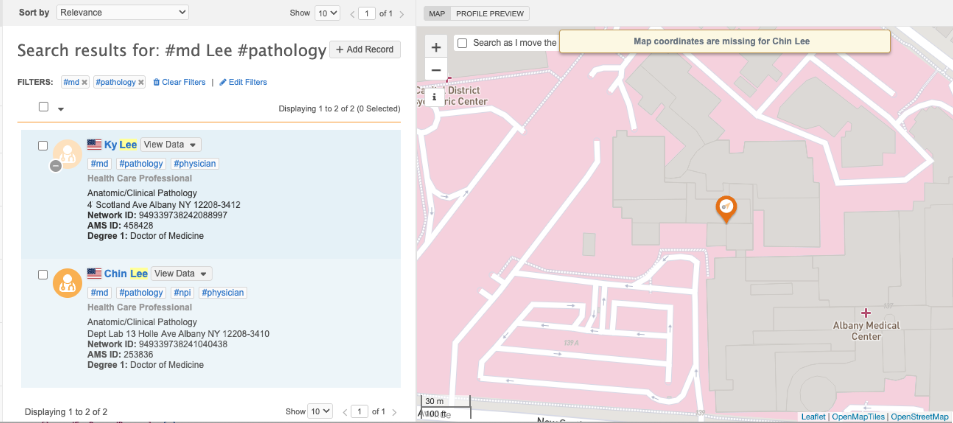
Geocoding - Addresses without latitude and longitude coordinates will not display on maps.
If an address cannot be mapped, the following message displays: Map coordinates are missing for <record name>.
Product name
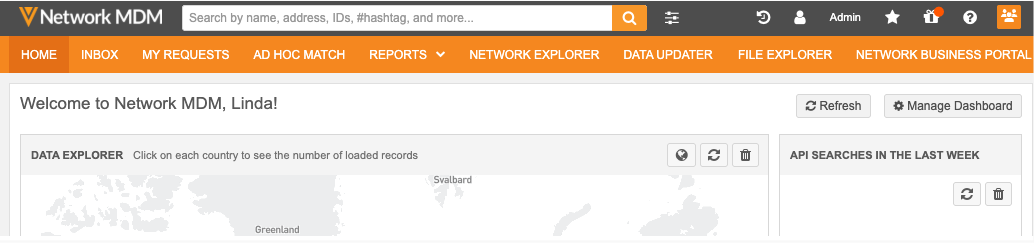
Veeva Network is now Veeva Network MDM. This new name highlights its power as a multi-domain master data management platform and customer master application that can be used with any reference data provider.
The rebranded product name now displays in the Network MDM user interface.
This enhancement is enabled by default.
Updates
The updates are made to logos and labels in the Network MDM user interface.
The rebranded product name does not impact your instance names, feature configurations, or reporting.